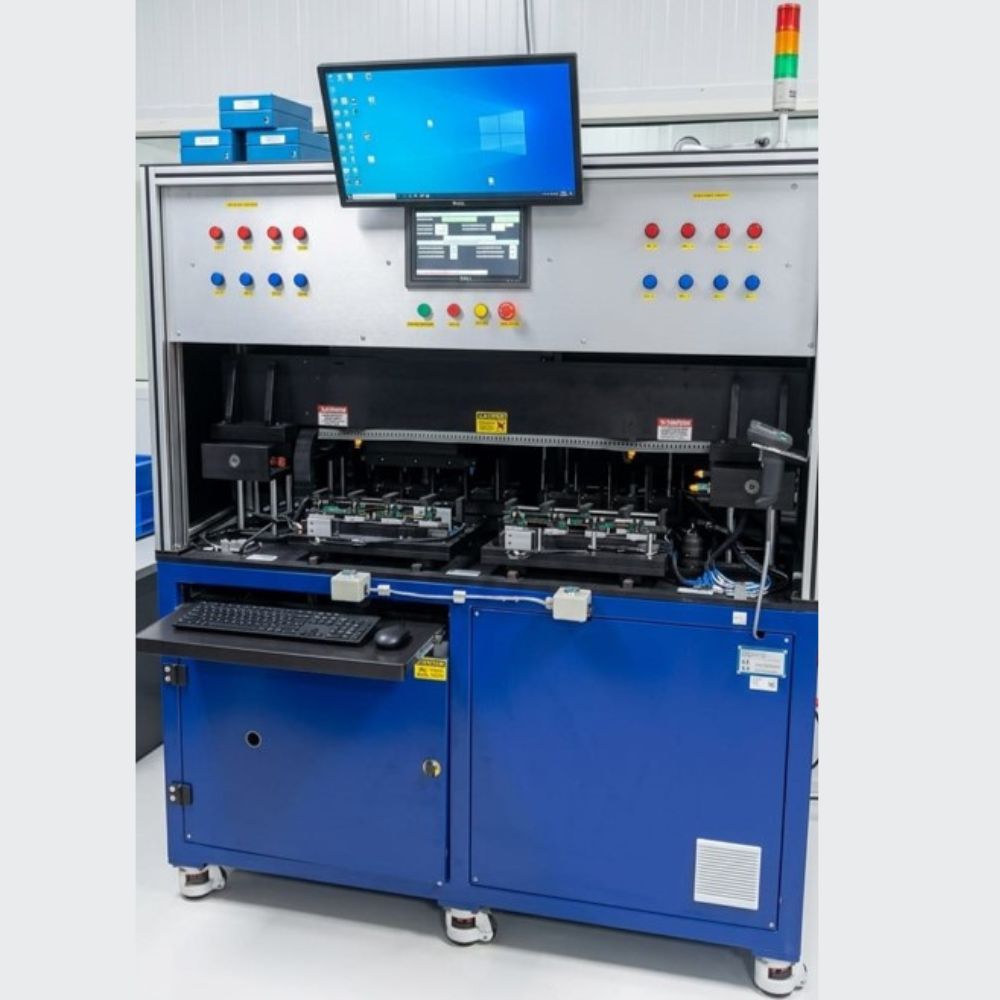
Key aspects include:
Purpose: To ensure the display is functioning correctly — no dead pixels, color distortion, backlight bleeding, brightness inconsistencies, or screen artifacts.
How it works: The testing machine sends predefined visual signals or test patterns (such as solid color fills, grayscale gradients, checkerboard patterns, or resolution grids) to the display. A camera or optical sensor captures the output and compares it against reference standards.